LD Systems QUESTRA + TuneButler
5 steps to commercial music streaming
Background music has long since become more than just acoustic decoration. It is a tool for brand management, a mood-setter and a crucial component of a positive customer experience, whether in a restaurant, hotel, shop or business. The integration of the TuneButler software into LD Systems QUESTRA provides a solution that consistently meets all these requirements: it is intuitive to use, highly flexible and fully embedded within the LD Systems infrastructure.
TuneButler integration with QUESTRA: Step by step
The basic idea is simple: TuneButler provides curated, legally compliant music streams and playlists for commercial use, while QUESTRA manages, distributes and connects this content in multi-zone setups. The LD Systems MSMP (Message Scheduler-Streamer Music Player) acts as a hardware interface and signal hub. This creates a consistent workflow for integrators and AV planners as well as end users – from playlist selection and zone routing right through to operation via customised touch panel surfaces.
1. Download QUESTRA for free
Download the latest version of the QUESTRA design and management software from LD Systems for free here:
2. Setting up MSMP in QUESTRA
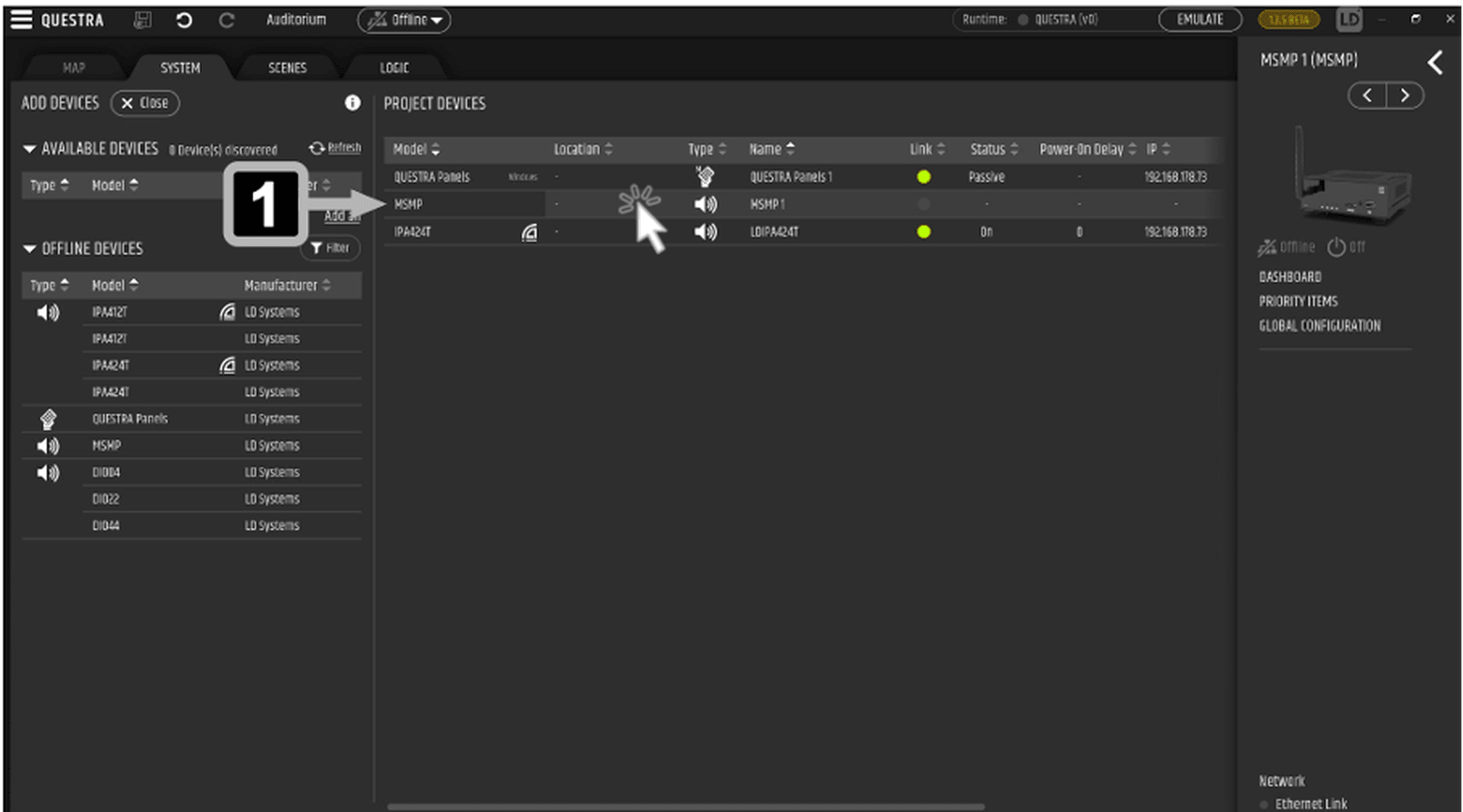
The first step is to connect the MSMP hardware player via Ethernet, which will then be detected and configured as an available device in the QUESTRA system view.
3. Link your TuneButler account and pair your player
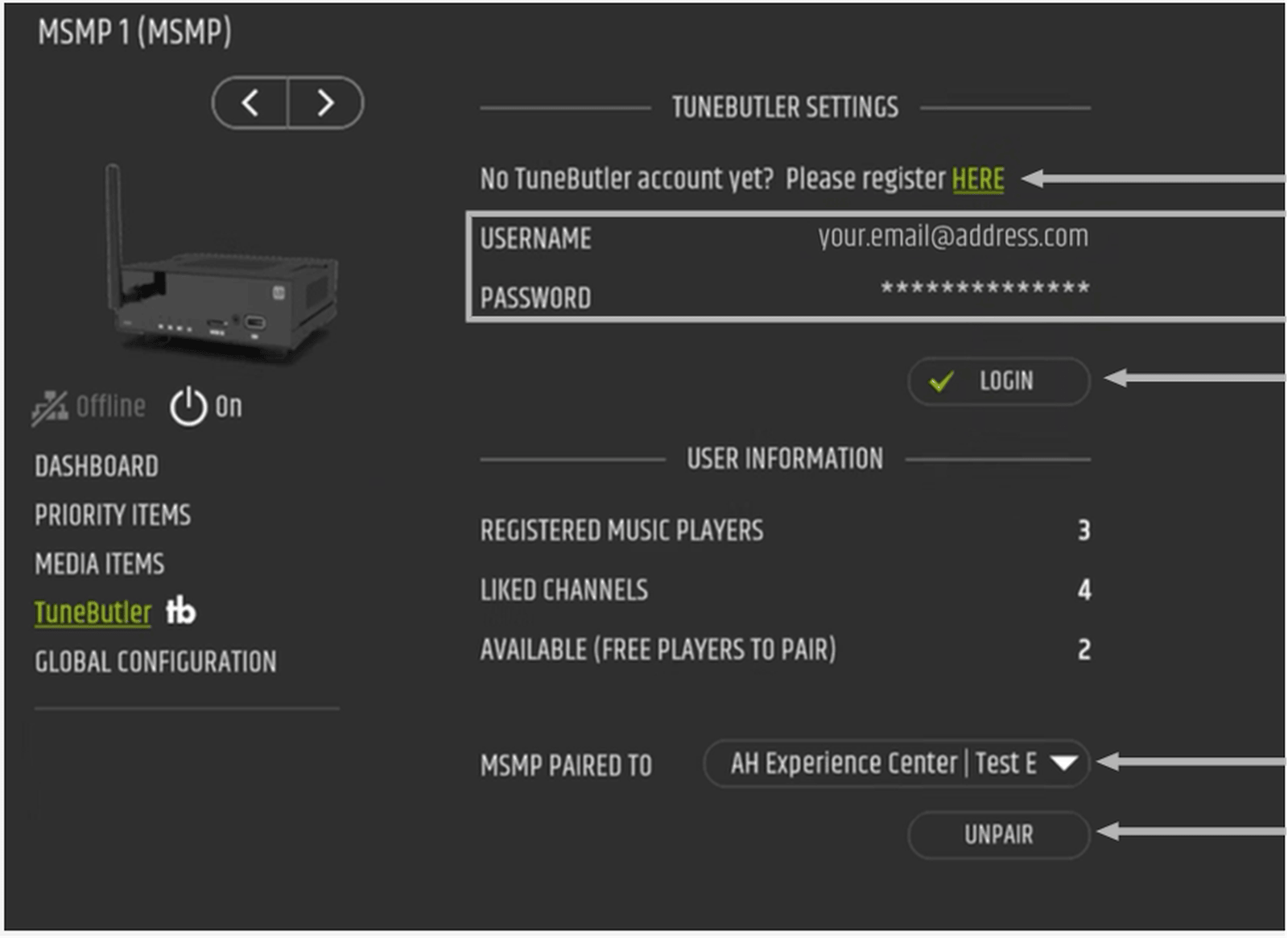
Log in to the TuneButler menu using your TuneButler account, or create a new account. The MSMP is then assigned to a player created in TuneButler via the “MSMP PAIRED TO” field.
4. Select playlists and share them with users
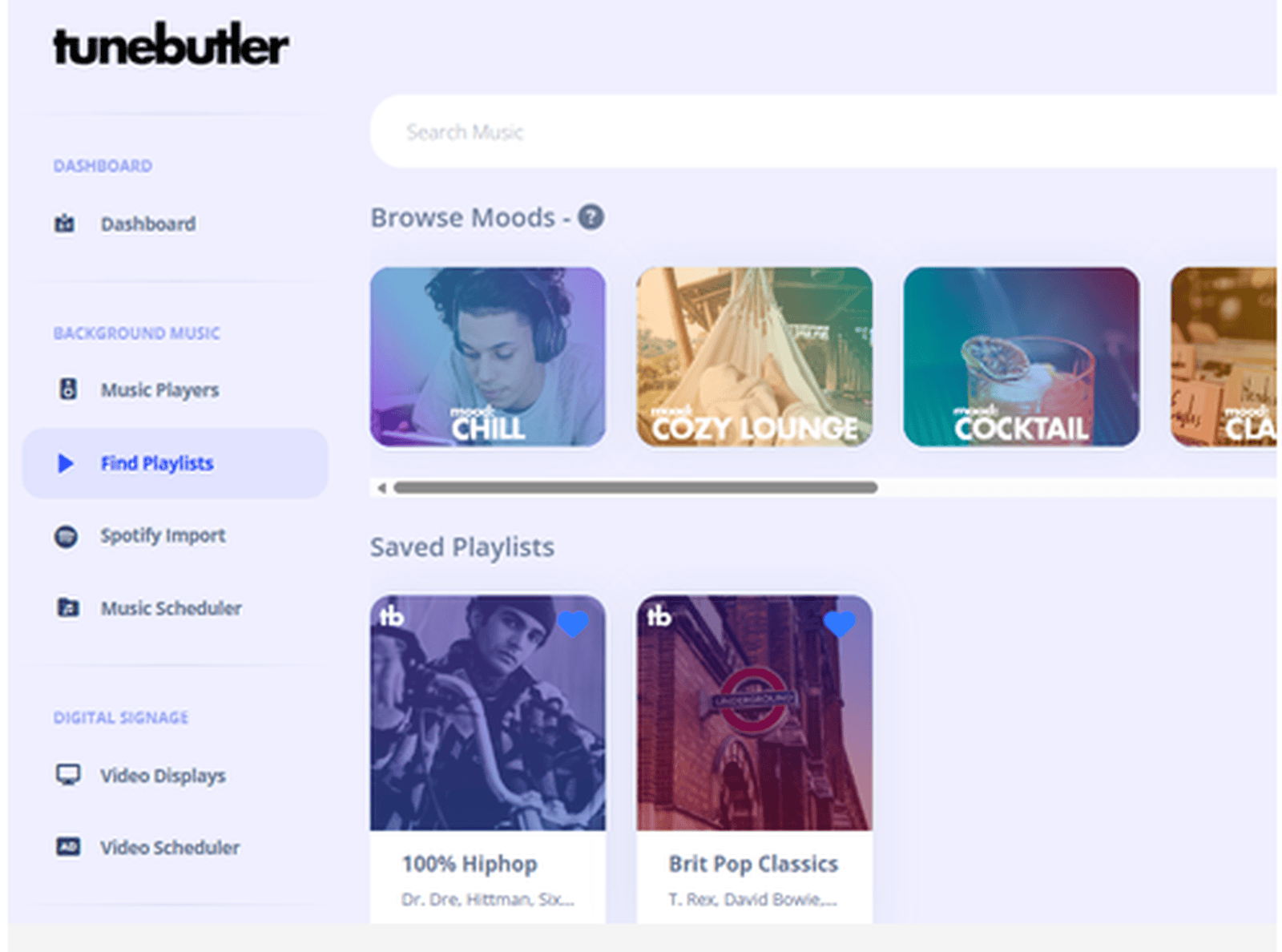
In the TuneButler dashboard, you can search for suitable playlists and moods, mark them as favourites, and then assign them to specific users or locations via the user management.
5. Integrating TuneButler into the QTP panel
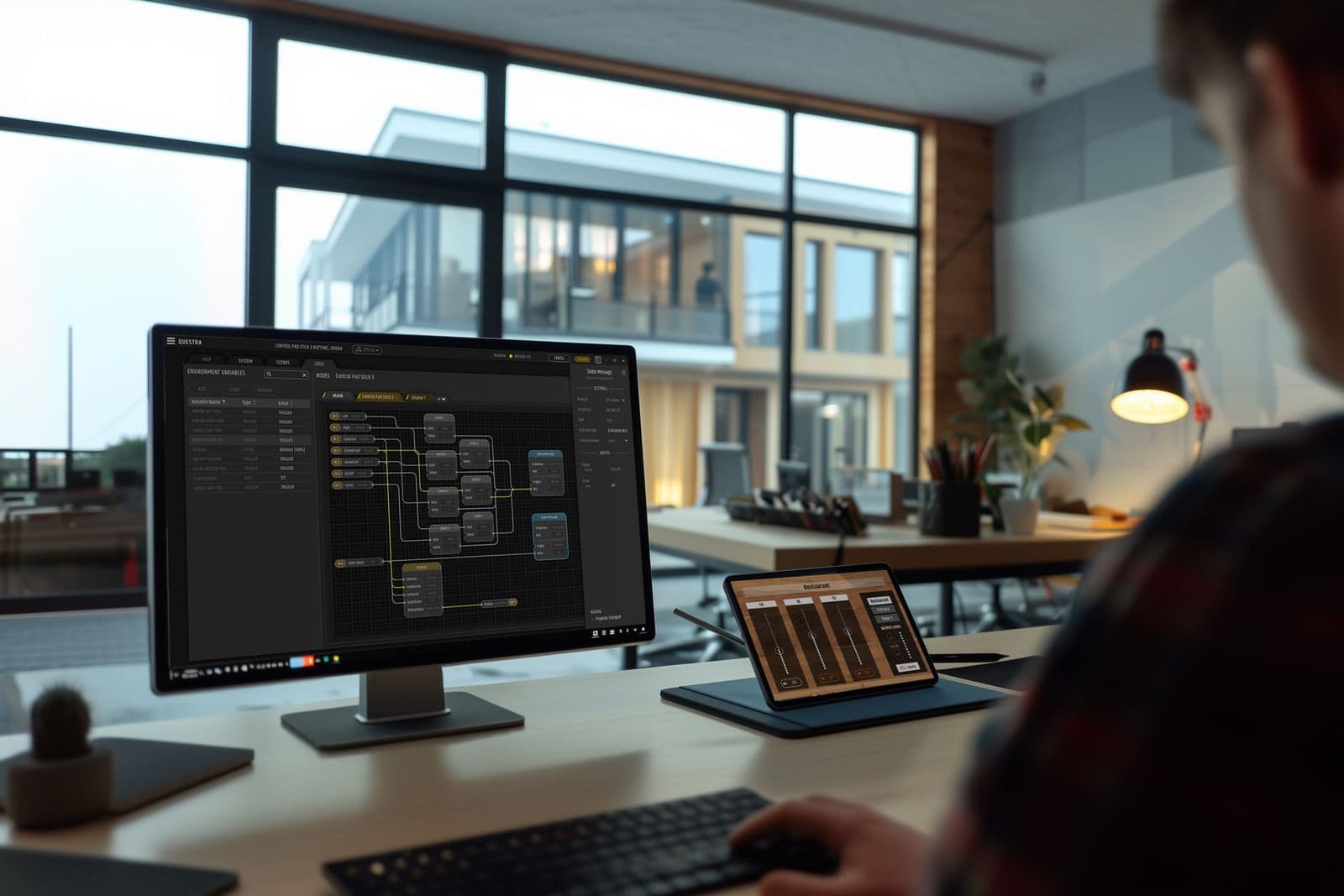
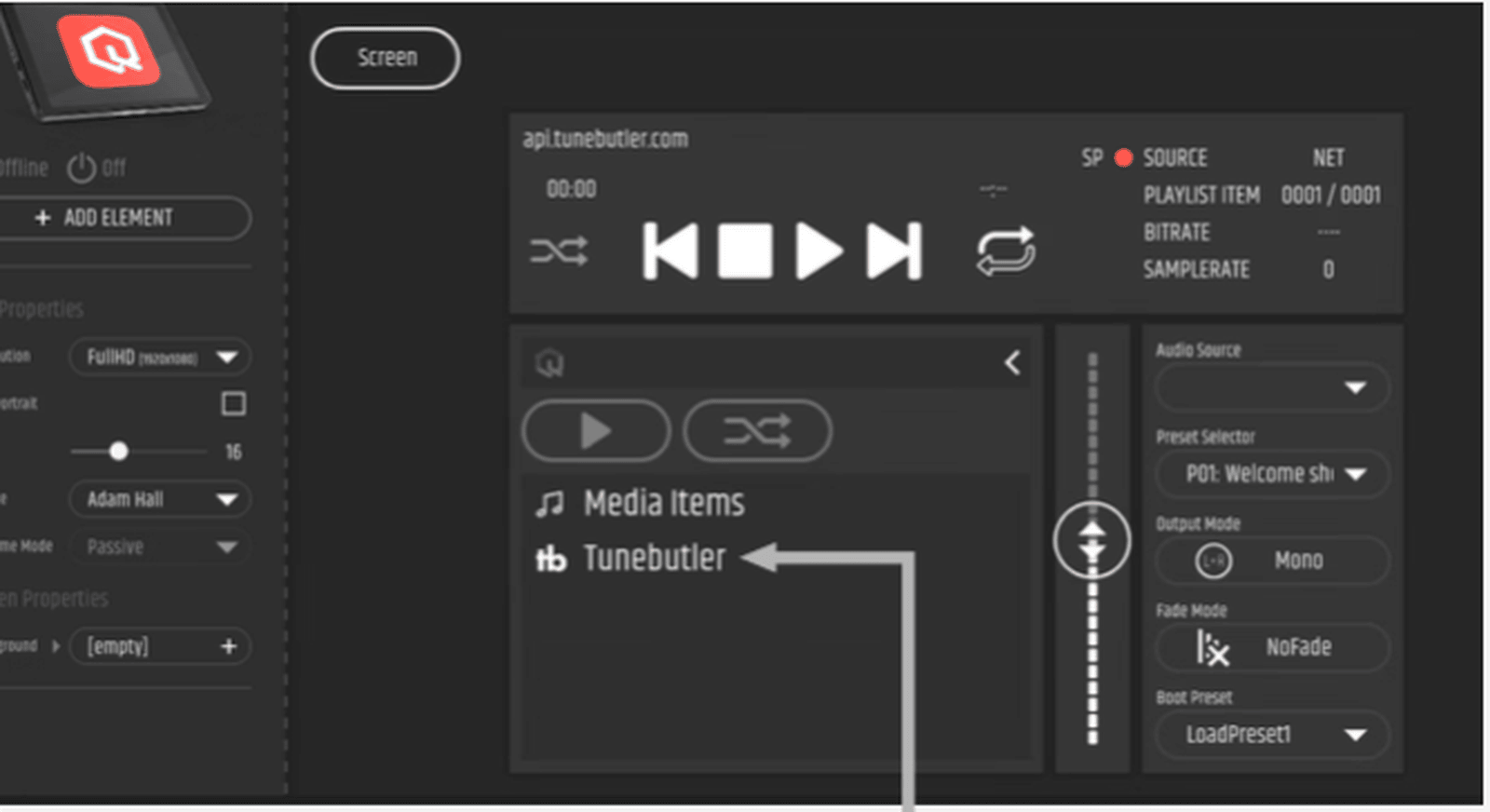
In the QUESTRA Panel Editor, open the TuneButler interface and drag it to the panel workspace. This enables users to browse through playlists, select them and control playback via the QTP touch panel and the MSMP.
3 typical use cases
1. Restaurant & Bar
In the catering industry, the atmosphere of a room plays a crucial role. Restaurants and bars benefit particularly from the fact that music profiles can be flexibly adapted to the daily schedule via TuneButler and QUESTRA – from relaxed business lunches and afterwork events to atmospheric evening dining. Using the QTP touch panels, staff can access playback, switch between playlists or call up pre-set scenes at any time, without having to switch between different systems.
2. Retail
In retail environments, the TuneButler integration enables brand-consistent sound systems across all locations. TuneButler provides the right music, whilst QUESTRA, MSMP and other LD Systems signal peripherals handle the technical implementation – from zone routing to time-based automated scene control. Staff can also make specific adjustments, such as for special offers or extended opening hours.
3. Fitness studios
Fitness studios find the combination of TuneButler, MSMP and QUESTRA particularly flexible: different training areas, such as cardio, strength training and group exercise studios, can be used to host a variety of activities and create different atmospheres. Using QUESTRA’s Logic functions, playlists change automatically when a new class begins or the room mode is changed. This creates a dynamic sound concept that supports operational processes without requiring additional staff.
Further information
Read next
Sound and light in thousands of colours
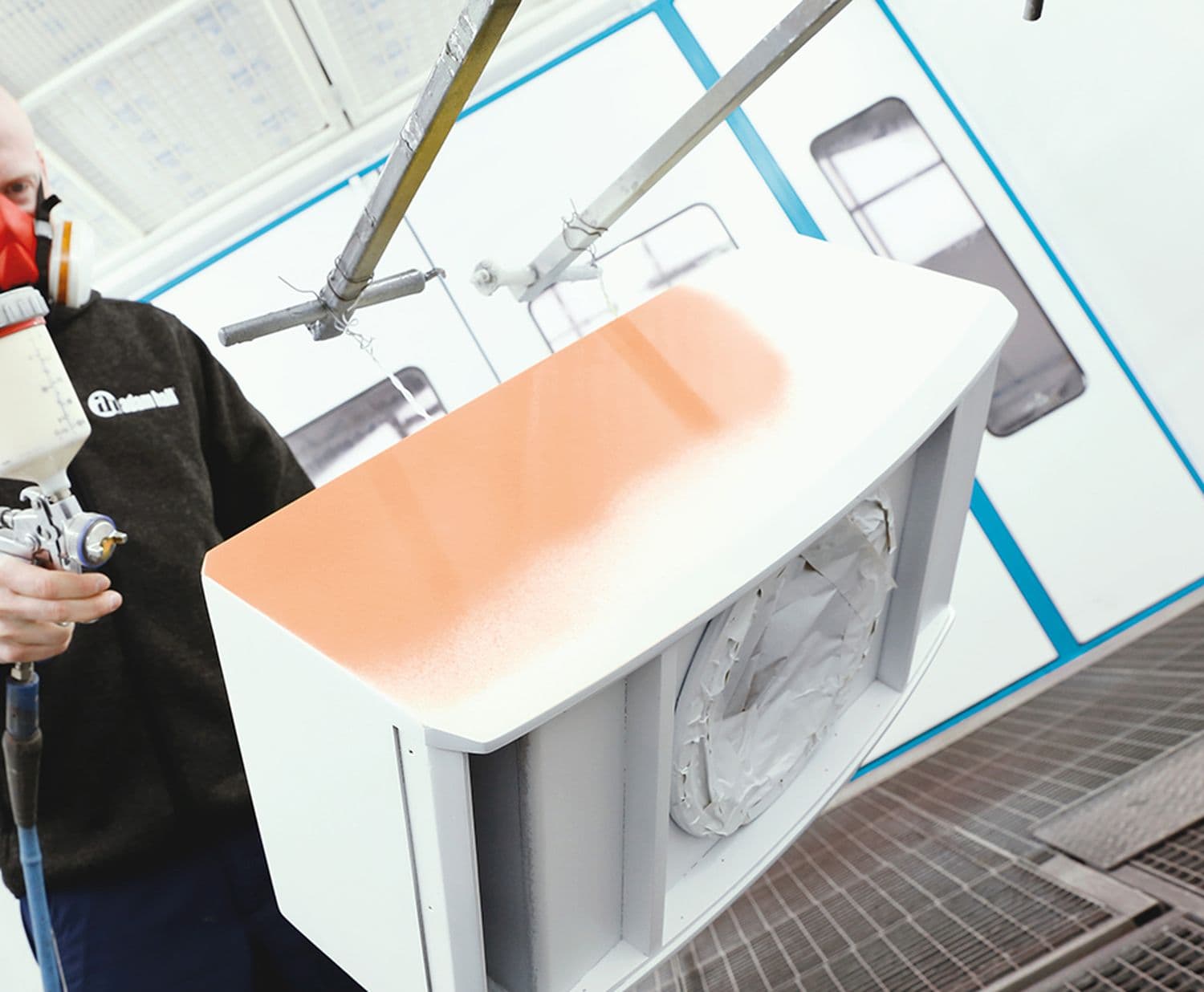
Whether in a museum, a hotel lobby or on board a cruise ship, the requirements for professional installation solutions have long since gone beyond technical functionality and top values. Integrators, architects and end customers are increasingly looking for custom solutions for loudspeakers or lights that integrate seamlessly into their intended environment. This is where the Adam Hall Group’s Value Added Service (VAS) department comes into play – in particular the painting service, which enables individual special solutions in almost any desired RAL colour.
LD Systems DAVE G4X
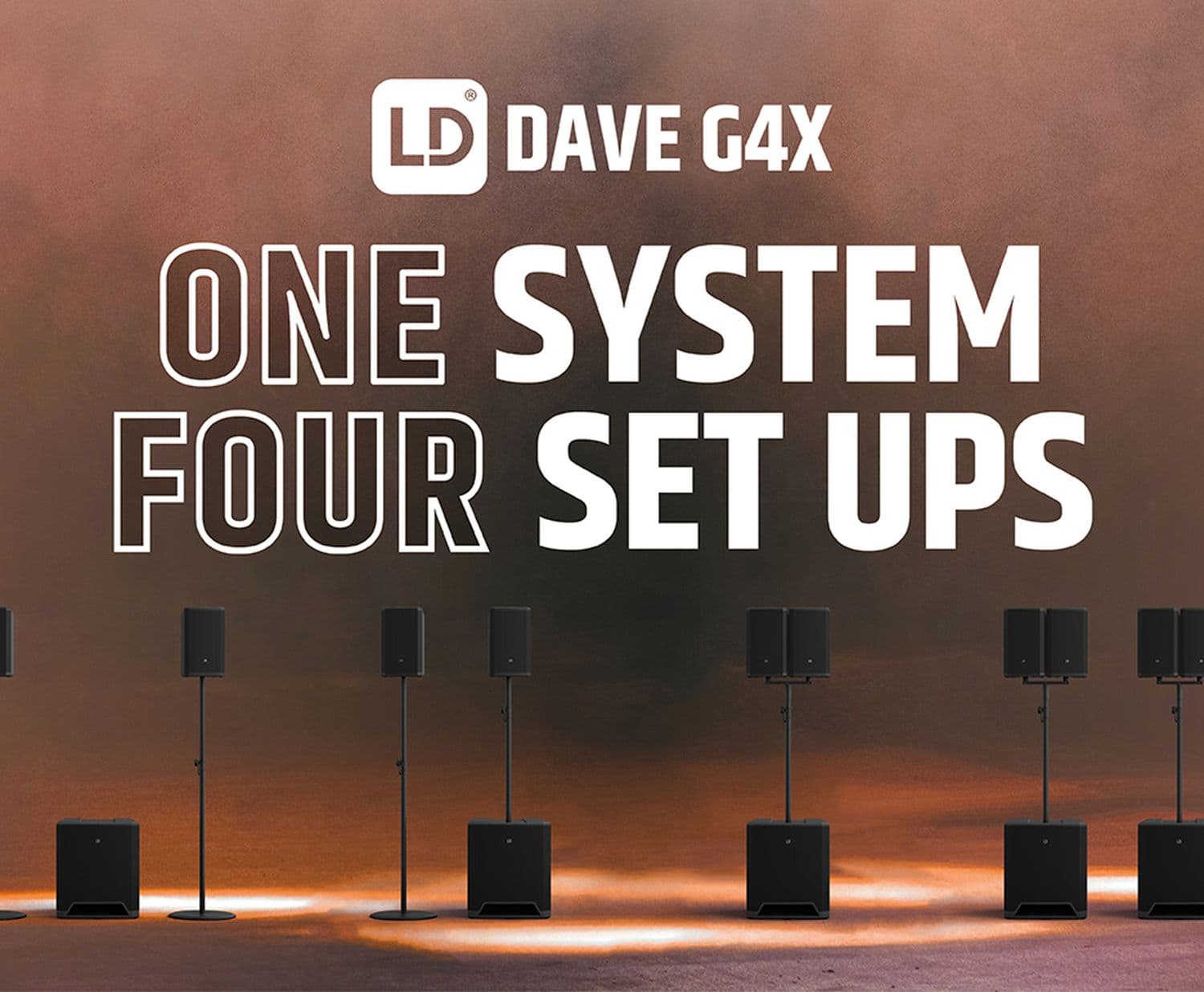
The requirements for sound reinforcement systems can be as varied as the styles of music and their consumers or users. But what is the right PA? It makes a big difference if I am a DJ at an electro house party and want to provide hours of continuous power with a deep bass, or if I want to make sure that every syllable of a reading is precisely intelligible. The acoustic duo has a different idea of the optimal sound than the five-piece rock band with roasting guitars. And at the end of the day, the listener is the one being served. A single PA cannot meet this requirement - or can it?